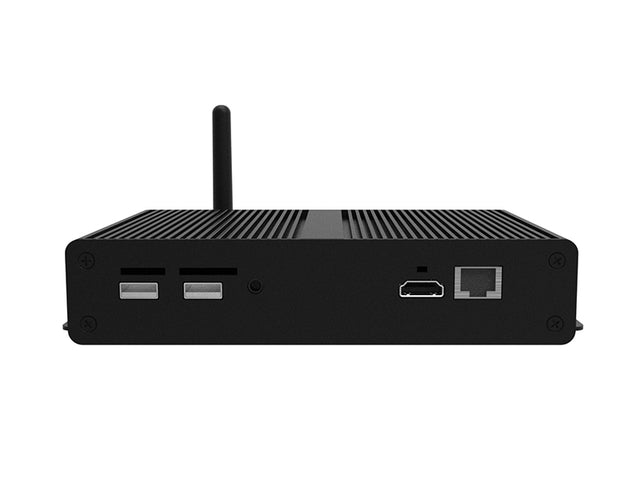
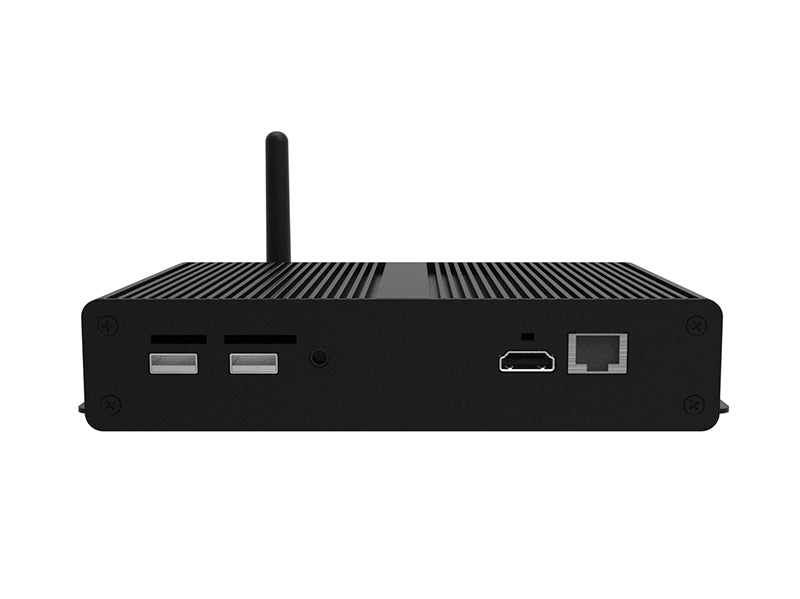
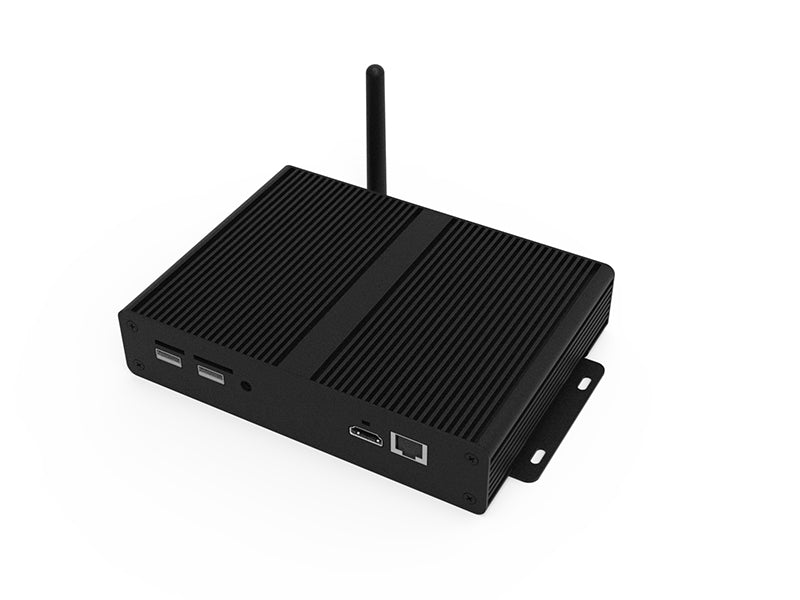
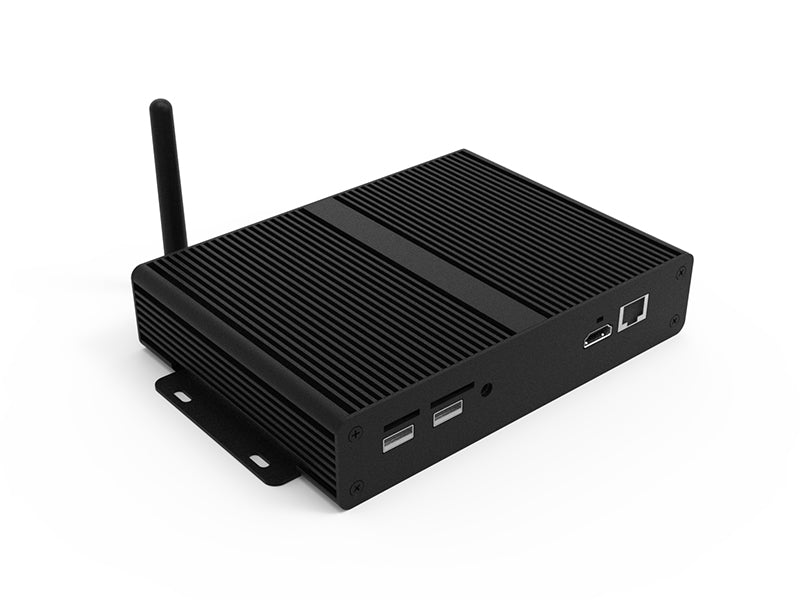
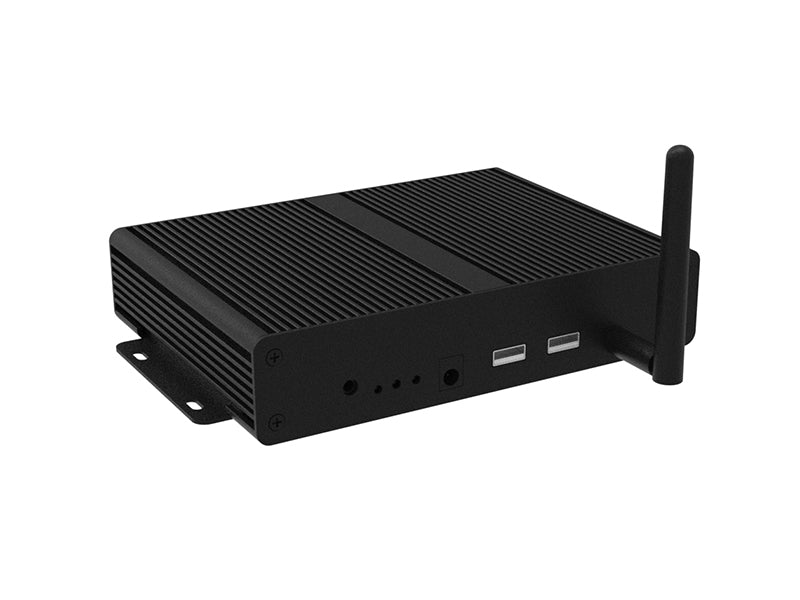
Android Cloud Network Media Player | Digital Signage Player
Android Cloud Network Media Player | Digital Signage Player - USB Update is backordered and will ship as soon as it is back in stock.
Display Use
Display Use
24/7 Commercial Grade
Care information
Care information
3 Years Warranty & Lifetime Technical Support
Delivery and Shipping
Delivery and Shipping
Free Shipping for all addresses within Mainland UK. Other areas may charge extra.
Android Cloud Network Media Player | Digital Signage Player

Android Cloud Network Media Player | Digital Signage Player - USB Update is backordered and will ship as soon as it is back in stock.
Description
Description
Android Cloud Network Media Player
Convert any existing HDMI screen into a fully networked digital signage display. The Android Cloud Network Media Player connects behind your existing screen and, once paired with My Signage Portal, lets you update, schedule and manage content remotely from anywhere with an internet connection — no dedicated PC, server, or special software required.
No Monthly or Yearly CMS Charges
Unlike most cloud signage CMS platforms that bill a recurring subscription, the Cloud CMS option on this media player is a one-off lifetime purchase with no monthly or yearly fees attached. Pay once and manage your content remotely for the life of the device.
Two Ways to Update Your Content
| Option | How It Works | Best For |
| USB Update | Load images and videos onto a USB stick and insert it into the player to update content directly | Single-site displays updated on-site, simple budgets |
| Cloud CMS (Lifetime) | My Signage Portal lets you publish, schedule and manage content remotely from any device, anywhere — no subscription | Multi-site networks, remote teams, frequent content changes |
Built for Continuous Commercial Use
An ultra-slim aluminium enclosure with an innovative heat sink fin design dissipates heat efficiently, keeping the player within its optimal operating temperature for genuine 24/7 commercial use. At just 37mm deep, it fits discreetly behind almost any screen.
My Signage Portal CMS Features
| Feature | What It Does |
| Rapid Publishing | Publish or schedule content updates in seconds, with real-time push to your screen |
| Multi-Zone Layouts | Build landscape or portrait layouts with images, video, text, webpages, weather and date/time widgets |
| Playlist Scheduling | Schedule content to appear at set times and dates across one or multiple screens |
| User Management | Create unlimited user accounts with screen-level and function-level access controls |
| Reports & Logs | Track every action with playback reports accurate to the second for proof of play |
| Global Remote Commands | Reboot, format, rotate orientation, and start/stop playback remotely on any screen |
Where It's Used
Retail: Turn existing in-store screens into promotional displays, updating offers and product information remotely as campaigns change.
Corporate offices: Power reception screens, meeting room displays and internal communication boards with company news, dashboards and event schedules.
Education: Keep students, staff and visitors informed with announcements, timetables and emergency notifications across campus screens.
Healthcare: Display wayfinding, patient information and waiting room content, updated centrally across multiple existing screens.
Technical Specification
| Specification | |
| Operating System | Android 7.1 |
| CPU | Quad-Core Cortex-A17 @ 1.61GHz |
| GPU | Mali-T760 MP4 @ 600MHz |
| RAM | 4GB DDR3 |
| Internal Storage | 32GB (expandable via TF card) |
| Video Output | HDMI |
| Audio Output | 3.5mm Stereo Analog Audio Socket |
| USB | 4 x USB 2.0 |
| Network | 10/100Mb/s Ethernet, 802.11b/g/n Wi-Fi, optional 4G upgrade |
| Media Resolution | 1920x1080 / 1080x1920 |
| Media Formats | Video (MPG, AVI, MP4, RM, RMVB, TS), Audio (MP3, WMA), Image (JPG, GIF, BMP, PNG) |
| Power Consumption | <5W (12V DC input) |
| Unit Size | 194.8 x 129 x 37mm |
| Net Weight | 0.6kg |
| Operating Temperature | 0°C to 40°C |
| Warranty | 3 Year Warranty, Lifetime Technical Support |
| Included Accessories | HDMI Cable, Scheduling Software, Remote Control, User Manual |
Frequently Asked Questions
Q. Will this media player work with my existing screen?
A. Yes. It connects to any existing display with an HDMI input, instantly converting it into a networked digital signage screen without replacing the hardware you already have.
Q. What is the difference between the USB Update and Cloud CMS options?
A. USB Update lets you load content onto a USB stick and insert it into the player to update the display manually. Cloud CMS adds My Signage Portal so you can update, schedule and manage content remotely from any internet-connected device, with a one-off lifetime licence and no monthly or yearly subscription charges.
Q. Does the Cloud CMS option charge a monthly subscription?
A. No. The Cloud CMS variant is a one-off lifetime purchase with no recurring monthly or yearly charges, unlike many competing cloud signage CMS platforms that bill on a subscription basis.
Q. Can I connect this media player over Wi-Fi instead of Ethernet?
A. Yes. It connects via Ethernet cable or Wi-Fi (802.11b/g/n), and a 4G upgrade is available for locations without an existing internet connection.
Q. What screen resolution and content does it support?
A. It supports 1920x1080 and 1080x1920 resolutions and plays a wide range of video, image and audio formats, plus live webpages, scrolling text, weather widgets, and Word, Excel, PowerPoint and PDF files.
Q. Is this media player suitable for 24/7 commercial use?
A. Yes. It is built to commercial grade with an aluminium heat sink enclosure for continuous 24/7 operation, and comes with a 3 year warranty and lifetime technical support.
Payment & Security
Payment methods
Your payment information is processed securely. We do not store credit card details nor have access to your credit card information.